
A grid that moves
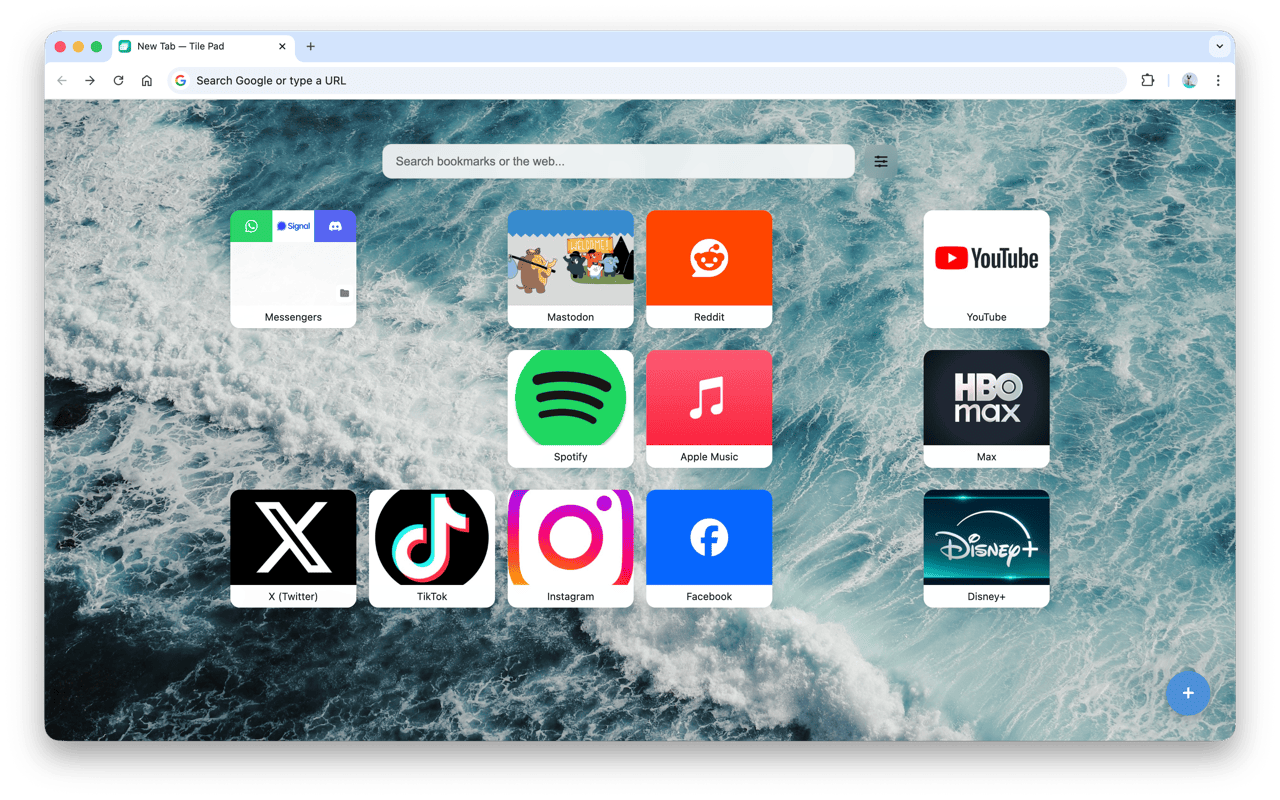
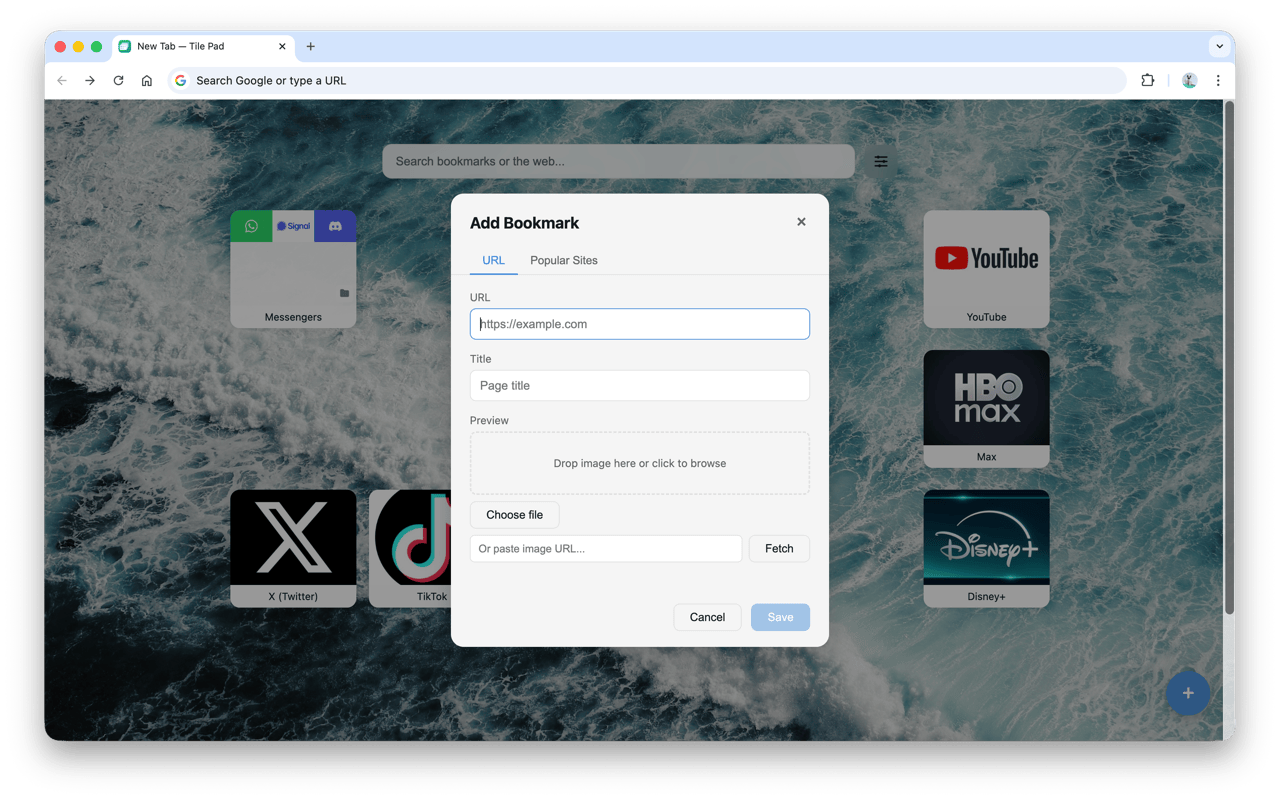
Drag tiles anywhere, rearrange with precision, and watch your layout settle in place. Right-click any empty cell to add a bookmark at that exact spot.
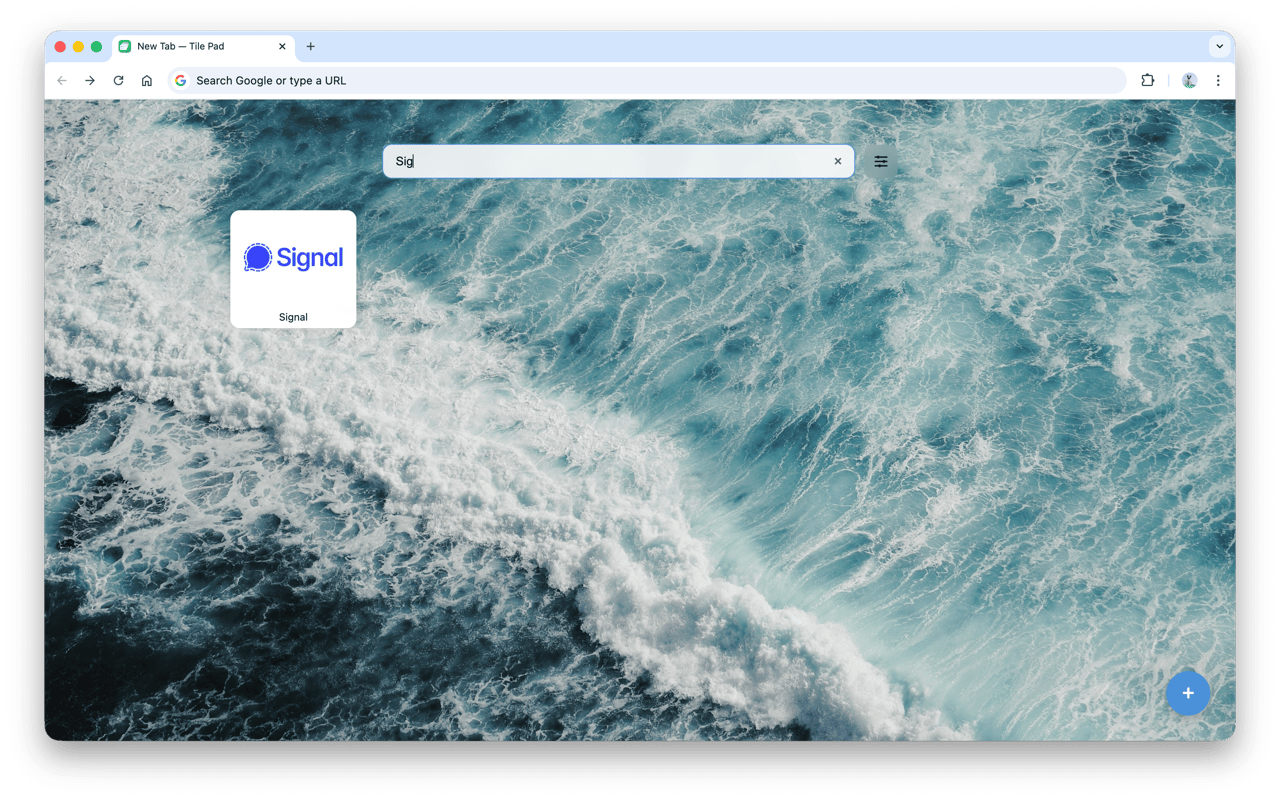
Tile Pad is a Chrome extension that replaces the default new tab page with a clean, customizable speed dial. Pin the sites you visit most, group them into folders, choose a wallpaper, and arrange everything the way you actually work.
No account, no servers, no tracking. Your bookmarks, wallpapers, and layout live on your device — and that's the only place they go.
Drag tiles anywhere, rearrange with precision, and watch your layout settle in place. Right-click any empty cell to add a bookmark at that exact spot.
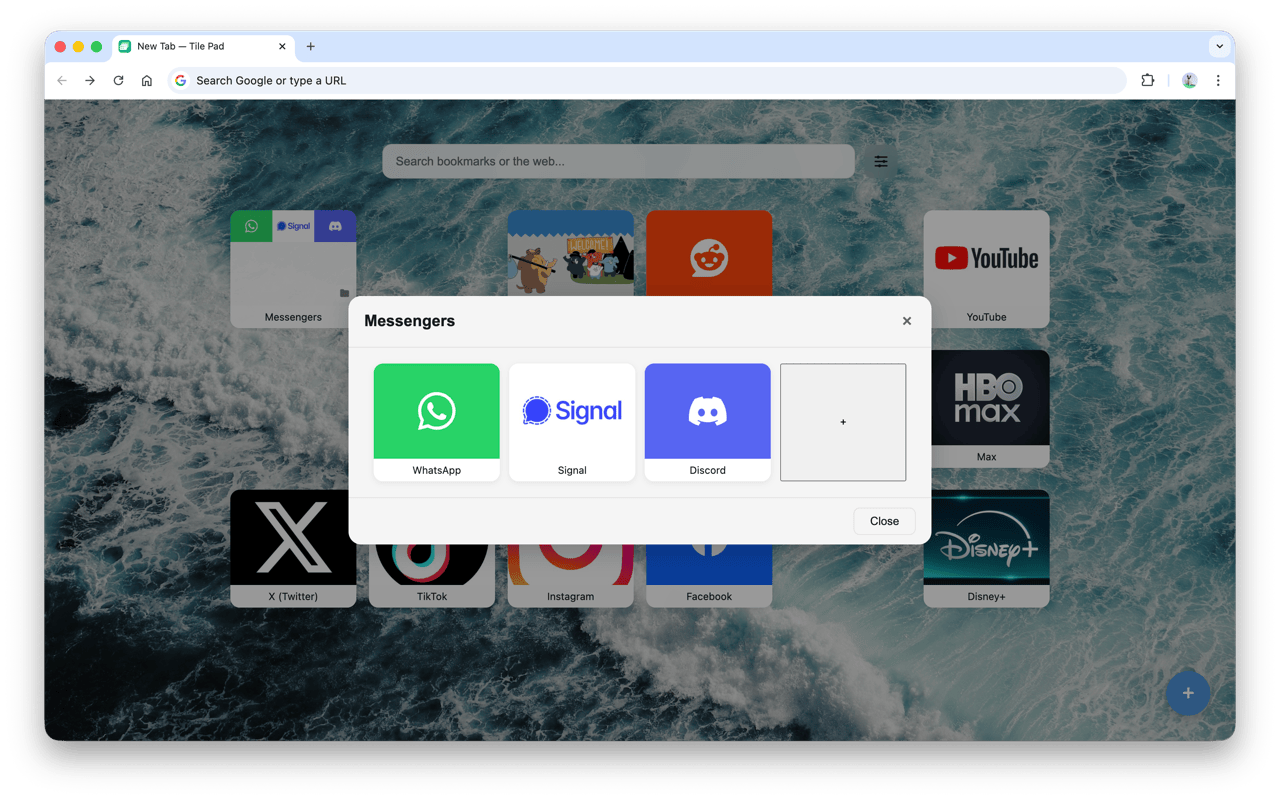
Drag one bookmark onto another to group them, or right-click to create an empty folder for later. Open a folder to see its contents in a focused grid.
Optional Chrome Sync keeps your bookmarks and layout consistent on every browser you sign into. Off by default — you flip the switch in Settings.
100+ brand icons ship with the extension. Sites without one get auto-generated thumbnails from their Open Graph image or a screenshot captured on first visit.
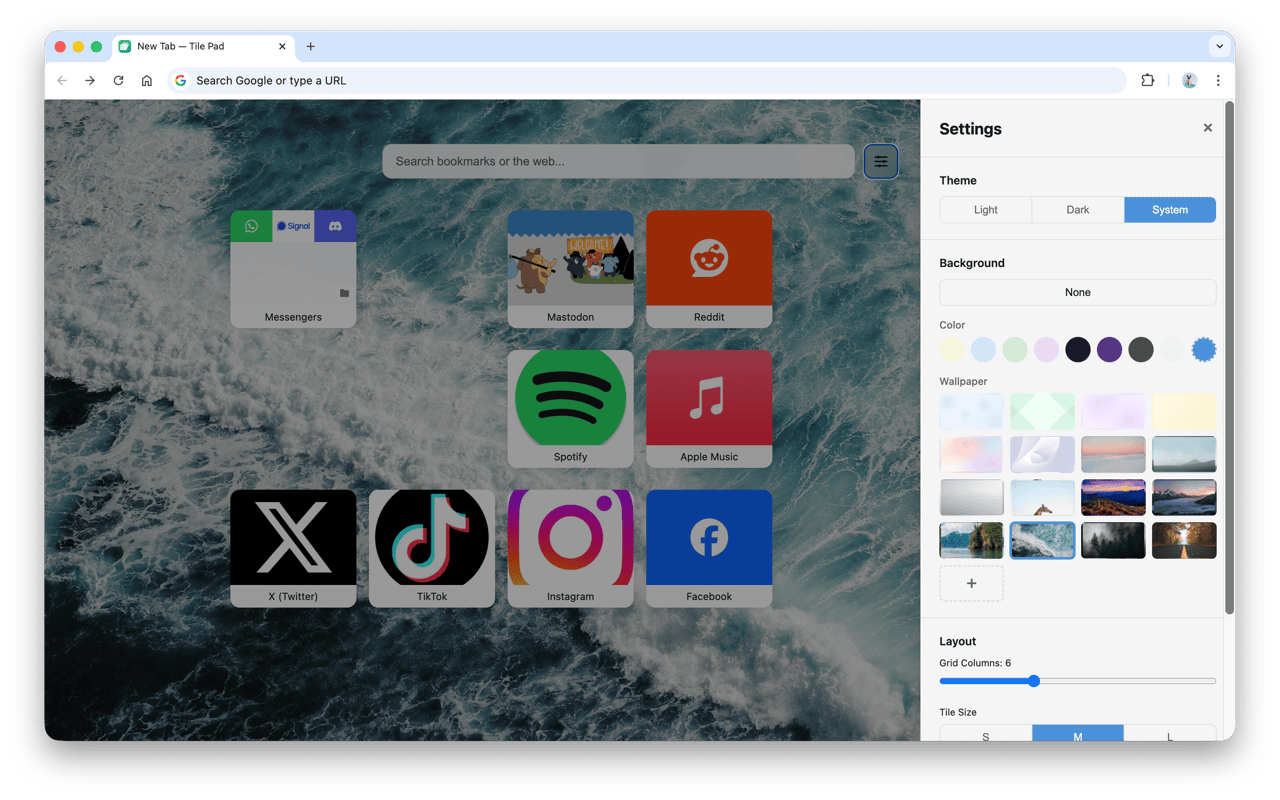
Pick from bundled 4K wallpapers, abstract patterns, or upload your own. Switch themes, tune grid density, and pick fonts and sizes for tile titles.
Nothing leaves your browser. No account, no servers, no ads, no tracking. Tile Pad stores everything in local storage on your device.
Add Tile Pad to Chrome in one click. No account, no setup wizard — the first new tab already works.
Right-click any empty cell, press ⌘ B (or Ctrl B), or use the browser context menu to save the current page.
Drag tiles to reorder, drop one onto another to create a folder, or open Settings to change wallpaper, theme, and layout.
No account. No servers. No analytics. No third-party trackers. Tile Pad is designed around a simple promise: your bookmarks, wallpapers, and layouts are yours alone, stored locally.
Read the full privacy policy